What’s CAMRA Pub Guide all about?
Previously called WhatPub (www.whatpub.com) and now referred to as CAMRA Pub Guide it is located at https://camra.org.uk/pubs. It is used to search for pubs across the UK and then look up opening times, descriptions, facilities and of course details of the real ale and cider on offer. Being an online guide means that extra functions such as additional text for descriptions, photos and live map data are also available.
The map here shows the current chesterfield pubs listed on CAMRA Pub Guide.
Please note the list is run by volunteers and Chesterfield CAMRA is not responsible for changes in opening times, drink selections and closures etc.
CAMRA Pub Guide is CAMRA’s online pub guide with details of over 30,000 pubs nationwide and is constantly updated by volunteers from this and every other CAMRA branch.
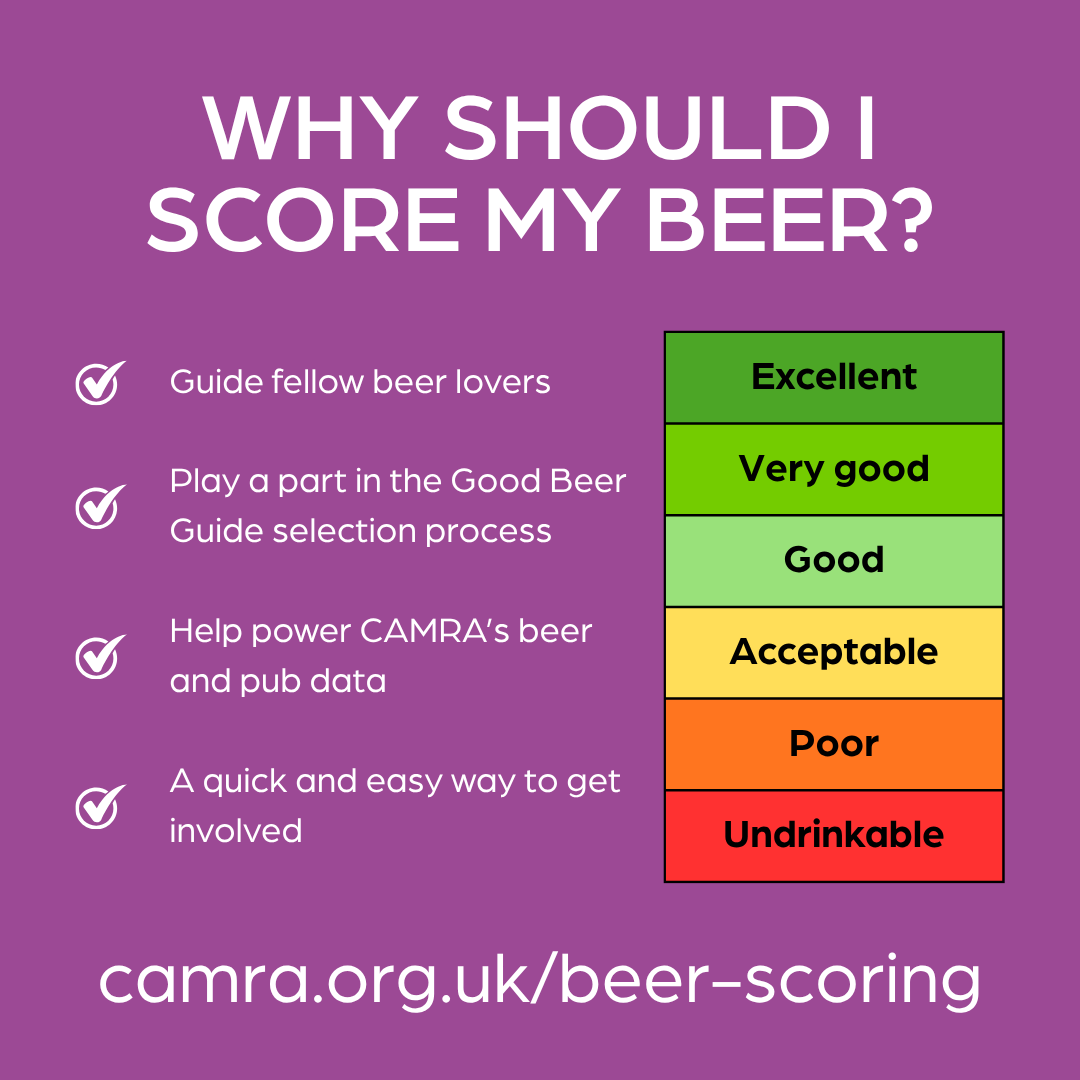
CAMRA members can use CAMRA Pub Guide to submit beer scores via the National Beer Scoring System (NBSS). For more information on beer scoring, please read the details and see the poster below.
Your scores will help influence which pubs make it into CAMRA’s Good Beer Guide and also shape the nominations for our branch annual Awards.
You are also welcome to submit changes in details (such as opening hours) but these amendments may be subject to further verification first.
Isn’t this just the Good Beer Guide online?
Lots of people have been asking this, but the answer is no, but does naturally complement the Guide.
When you search for pubs you will not see just Good Beer Guide pubs but every pub, club, hotel, restaurant or bar that serves alcohol to the general public in the UK.
How it all started…
CAMRA’s online pub guide is the result of an immense amount of work by volunteers and staff.
A decision was made at the start to acknowledge the local expertise of CAMRA members, which is why the pub details and descriptions that appear on CAMRA Pub Guide comes from CAMRA branches. 150,000 volunteers have an input into CAMRA Pub Guide and this is what makes CAMRA’s pub guide so different (and we would say better) from other online pub guides.
CAMRA volunteers are key in finding out all the important things we need to know about pubs, including opening times, location and real ales served as well as other information that goes beyond what we use for the CAMRA Good Beer Guide such as photos.
But we’re not there yet…
Our aim is to get every pub in the UK listed and regularly updated with all entries complete with up to date information such as descriptions and photos.
To help us on our way, we would like to invite you to help us improve our site. You can do this in a number of ways from rating beer quality to carrying out a survey for your local CAMRA branch. Your first step is to become a CAMRA member.

Frequently Asked Questions
Q. Why can’t I find a particular pub?
Try entering some location details such as postcode or town in the search field. If the pub you’re looking for still cannot be found then try unchecking the “Real Ale Available” filter in the search results, in case the pub is flagged as not selling real ale in our records. If the pub you’re looking for still cannot be found then the chances are its missing, perhaps because it is a new pub.
All entries in CAMRAPub Guide come from local branches and the work of volunteers, many who are still surveying details of their pubs. If you would like to know when their surveying will be complete, or to offer to help with the surveying, please contact Pub Coordinator: John Wilcock pubdata@chesterfield.camra.org.uk
Q. Why can’t I find clubs or places that don’t serve real ale?
When viewing search results, toggle the options down the site for “Pubs Only” and/or for “Real Ale Available”.
Q. The details of the pub are wrong
If you are a CAMRA member, please pass the details of the updates on to the local CAMRA branch for the pub, which is very easy to do – just click on Submit Updates, complete the update form, and your updates will be sent by email to a local CAMRA branch officer. It would also be great if you would volunteer to help survey it for us.
Q. What are the beer scores used for and how do I enter one?
Beer scores are entered by CAMRA members and are used by CAMRA branches in order to help select the best pubs for the CAMRA Good Beer Guide. To submit a beer score, simply join CAMRA and as a member you will be given a login that you can use to access additional features on CAMRA Pub Guide. See the CAMRA website for further details.
Q. How can I edit my beer scores?
Editing scores on the Pub website will be coming soon, but in the meantime you can head over to pubzilla.camra.org.uk/beerscoring and use the ‘Score’ tab in the main navigation to edit your scores.
Q. How do I find pubs that serve the best beer?
The CAMRA pub website is a comprehensive pub guide. Filters on the search filter allow the selection of Good Beer Selected Pubs. Each Pub displays icons showing three Pint symbols. See the Beer Quality Acceditation Page on the CAMRA website for full details.
Q. Why doesn’t the site have a comments section so that I can view details such as beer quality?
CAMRA Pub Guide is under continual development and additional features will be rolled out in due course – so watch this space!
Q. Why isn’t there a CAMRA Pub Guide app for my smartphone?
CAMRA Pub Guide already uses a mobile friendly website that works great on most smartphones and tablets. A shortcut link can be created and added to the start screen.
See the following typical instructions.
Android Phones using Google Chrome
- Open the Google Chrome app on your phone.
- Go to the website you want to save.
- Tap the three vertical dots in the top-right corner.
- Select Add to Home screen or Install and create shortcut (depending on your Chrome version).
- Rename the shortcut if you want, then tap Add or Install.
- If it appears in your app drawer instead of directly on your screen, long-press the icon and drag it to your home screen.
Apple Phones using Safari
- Go to the website you want to save.
- Tap the Share button (a square with an arrow pointing up) at the bottom of the screen.
- Scroll down the list and tap Add to Home Screen.
- Type a name for your shortcut.
- Tap Add in the top right corner.
Q. Where can I find the terms and conditions for scoring beers?
Terms and conditions for submitting NBSS scores can be found here.
Q. Why is the advertisement showing keg beer / wine / TVs etc?
Advertisements displayed do not in any way reflect a particular affiliation with the CAMRA brand. They are chosen by Google’s software which bases the choice on the individual user’s previous browsing history. No personal information is sent by CAMRA to Google.